

Summer is a busy season for many Pretoria businesses, and this business website checklist helps you get ready for it. People are planning, buying, booking and enquiring before the year winds down, and for most of them, the first stop is your website. If you want to know how to check if your Pretoria business website is ready for summer, the answer is not a big redesign. It is a handful of simple checks that you can do yourself, this week, with your phone in your hand.
This business website checklist covers four things that matter most to visitors: how your site works on mobile, how clearly it explains what you do, whether your forms work, and how easy it is to contact you.
Your business website checklist for summer
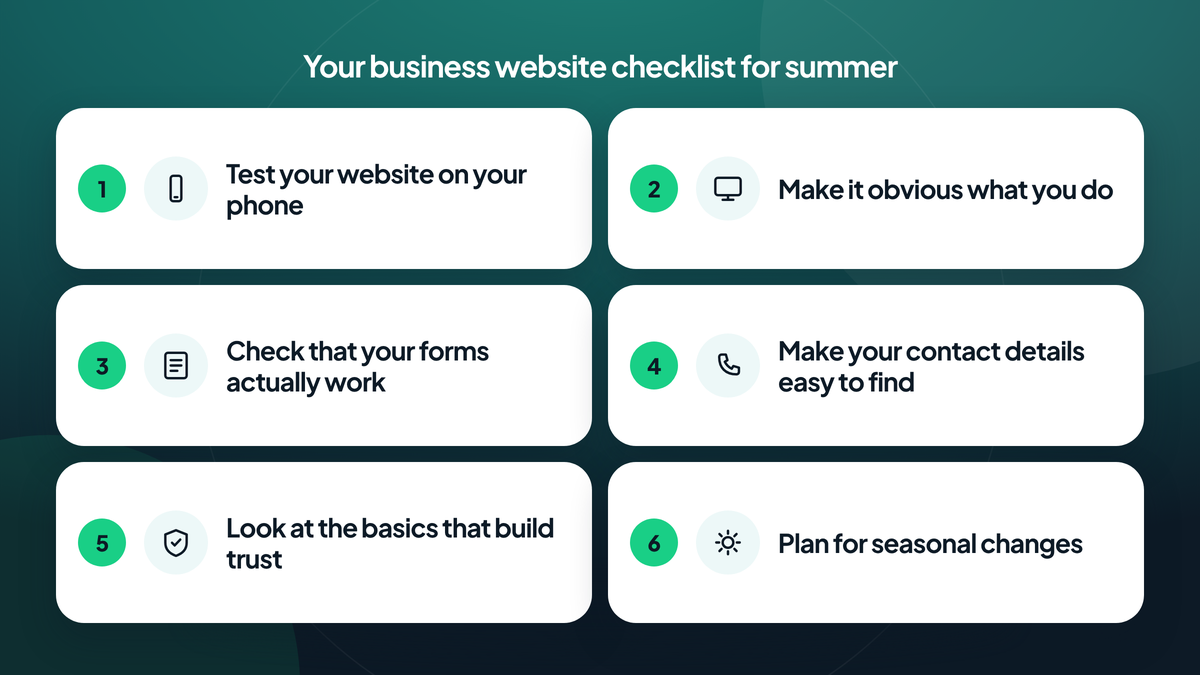
Work through the six checks below in order. Each one takes only a few minutes, and together they form a practical business website checklist you can repeat before every busy season.
1. Test your website on your phone
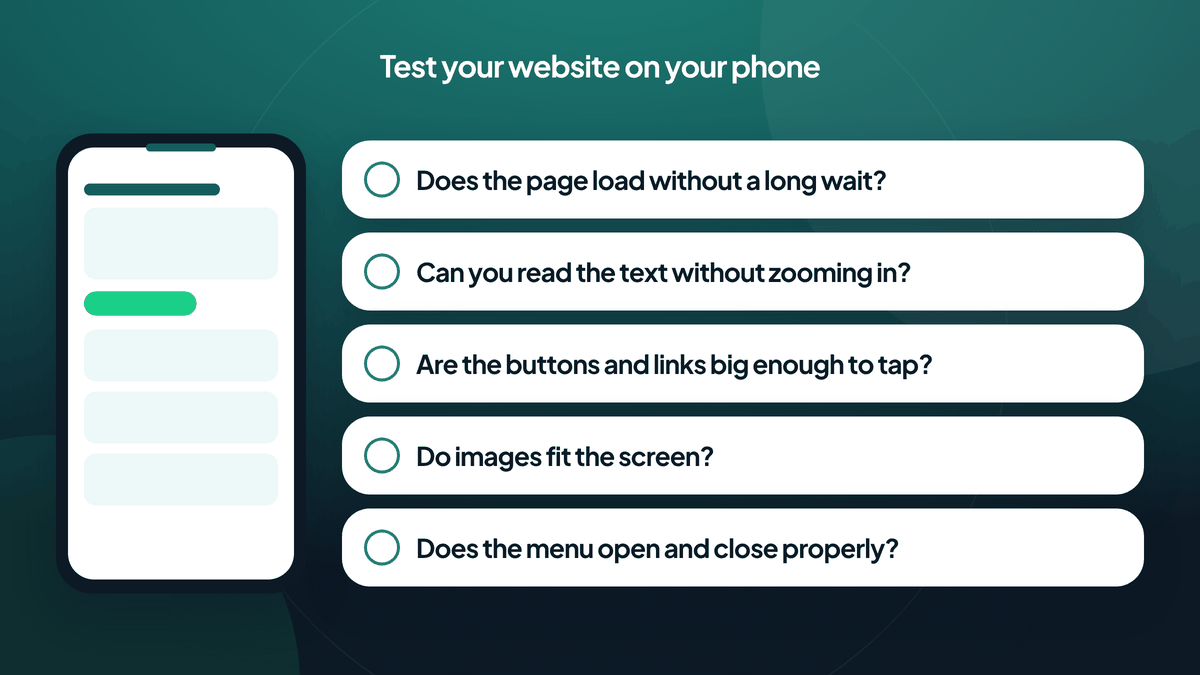
Most people will meet your business on a small screen, so start there. Pick up your phone, open your website and go through it the way a customer would. Google also looks at the mobile version of your pages first, as explained in Google Search Central’s guide to mobile-first indexing.
Ask yourself:
- Does the page load without a long wait?
- Can you read the text without zooming in?
- Are the buttons and links big enough to tap comfortably?
- Do images fit the screen, or do they spill over the edges?
- Does the menu open and close properly, and is it easy to find what you need?
Try more than one page, not just the homepage. If something feels awkward for you, it will feel awkward for visitors too. Good Pretoria web design always starts with how the site feels in the hands of the person using it.
2. Make it obvious what you do
Visitors decide quickly whether they are in the right place. Your homepage should tell them, in plain words and without scrolling far, what you offer and who you serve.
Check that:
- Your main heading describes your business or service clearly.
- Your services are listed in language your customers use, not industry jargon.
- It is clear where you work, for example if you serve Pretoria or a specific area.
- Each service has a page or section that explains it properly.
- There is a clear next step, such as “Request a quote” or “Contact us”.
A useful test: show your homepage to someone who does not know your business and ask them what you do after ten seconds. If they hesitate, there is room to simplify.
3. Check that your forms actually work
A contact form that does not work is a quiet and costly problem, because you never find out about the enquiries you missed. Take five minutes to test yours; it is a key item on this business website checklist.
- Fill in your own contact form with a test message.
- Confirm that it submits without errors and that the visitor sees a clear confirmation.
- Check that the message actually arrives in the inbox you expect, including the spam folder.
- Try it on your phone as well as on a computer.
- Look at how many fields you are asking people to fill in. Only ask for what you really need.
If you use more than one form, such as a quote request and a general enquiry, test each one.
4. Make your contact details easy to find
Some visitors would rather call or message than fill in a form. Make that easy for them.
- Show your phone number and email address in a visible place, such as the top or bottom of every page.
- Make sure your phone number can be tapped to call on mobile.
- Include your business address and, if it suits you, a map or directions.
- Display your business hours so that people know when to expect a response.
- Check that every detail is current. An old address or number can cost you enquiries.
If your business has moved or changed any details recently, now is the time to update them everywhere on your site.
5. Look at the basics that build trust
A few small things help visitors feel confident about contacting you:
- Spelling and grammar are tidy and consistent.
- Photos are clear and relevant to your business.
- Your pages look consistent in colours and fonts.
- Links work and do not lead to blank pages.
- Information such as service descriptions is up to date.
You do not need elaborate extras. Honest, clear and tidy goes a long way.
6. Plan for seasonal changes
If your business has anything seasonal, such as holiday hours, special offers or changes in availability, make sure your website says so before customers have to ask. Update your opening hours for the festive period, and let visitors know how and when you will respond to enquiries. Add this to your business website checklist: a short, clear notice prevents confusion and builds goodwill.
A quick summer business website checklist to print
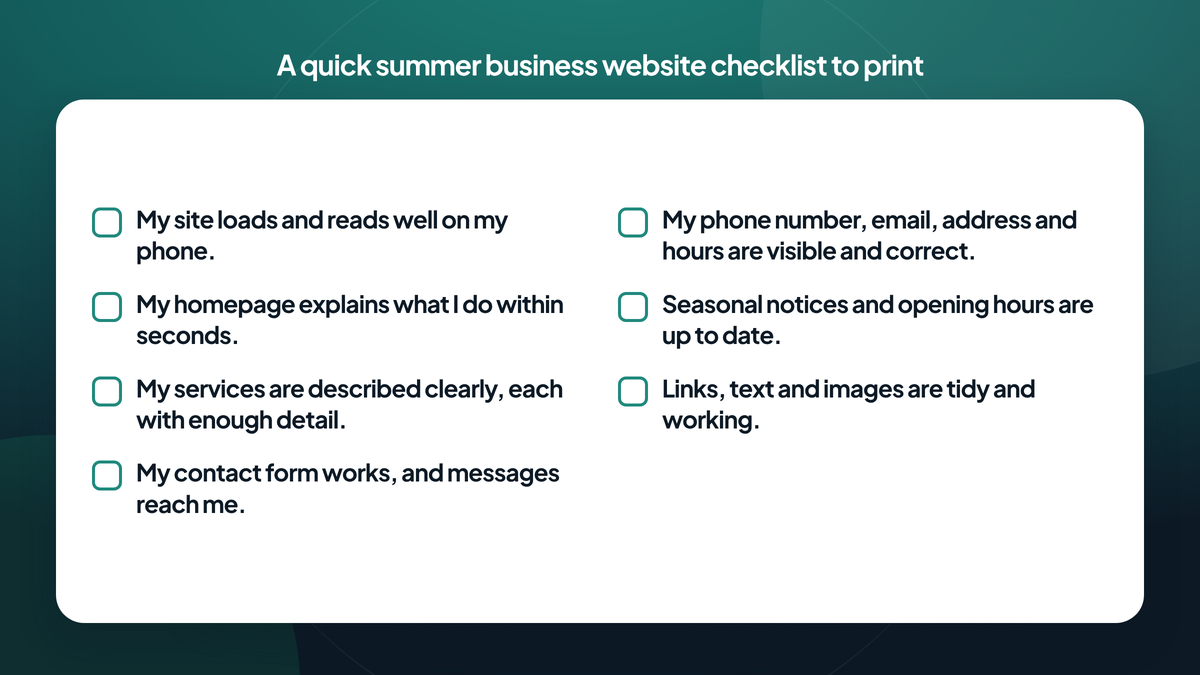
Print this business website checklist out or keep it handy:
- My site loads and reads well on my phone.
- My homepage explains what I do within seconds.
- My services are described clearly, each with enough detail.
- My contact form works, and messages reach me.
- My phone number, email, address and hours are visible and correct.
- Seasonal notices and opening hours are up to date.
- Links, text and images are tidy and working.
If you can tick every box on this business website checklist, you are in a good position. If a few are missing, you have a practical to-do list, and most of these fixes are small.
Where to go from here with your business website checklist
A website does not need to be perfect to work well, but it does need to be clear, current and easy to use. Work through the business website checklist above, fix what you can, and note down anything that needs more attention. If you want to go further once the basics are in place, read what makes a high-converting business website. If you would like a second pair of eyes, our team at Akha Web is happy to take a look at your site with you and talk through sensible next steps for your business.